Guides / Object maps
Convert a JSON Object Map to CSV Without Losing Its Keys
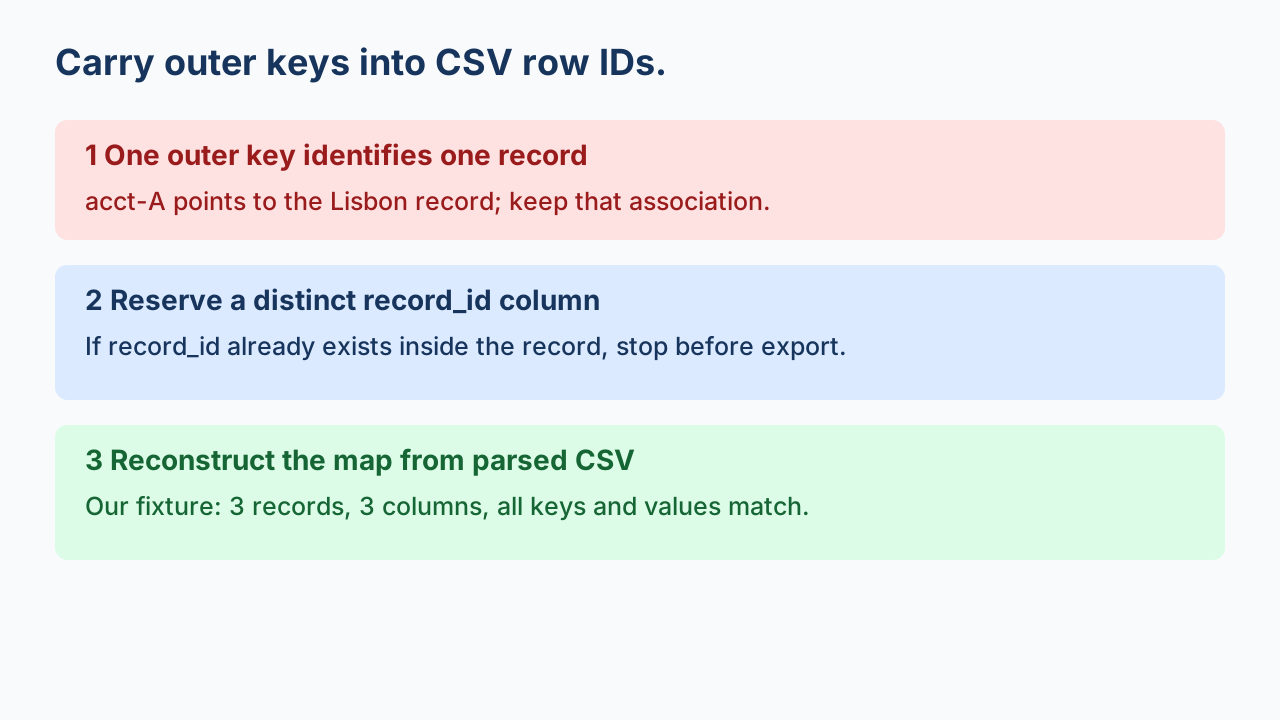
Make one row per top-level member, and copy its key into an explicit ID column before exporting the record's fields. Taking only the object's values loses the keys. Reserve a column such as record_id, stop if a record already uses that name, and reconstruct the original map from the parsed CSV to check the result.
The row identifier may live outside the record
An API export may use account IDs as property names rather than place an ID inside each record. In this original example, acct-A is the identifier of the Lisbon record. It is not a field inside that record, and it is not a column shared by all records.
{
  "acct-A": {
    "city": "Lisbon",
    "plan": "basic"
  },
  "acct-B": {
    "city": "Oslo",
    "plan": "team"
  },
  "acct-C": {
    "city": "Lima",
    "plan": "basic"
  }
}
RFC 8259's object definition treats names and values as members of an object. Here we explicitly declare that each top-level name identifies a row. Do not apply that assumption to every object: a settings object with unrelated properties is not automatically a record collection.
Choose a stable column name, not a column for each ID
record_id,city,plan
acct-A,Lisbon,basic
acct-B,Oslo,team
acct-C,Lima,basic
This three-column contract can hold more account records without creating a new column for every account. The outer key goes into record_id; the declared inner fields go into city and plan. A values-only array would retain the cities and plans but remove the account-to-record association. This is a shape decision before CSV delimiter or quoting settings.
Stop when the reserved name already exists
Consider {"acct-A":{"record_id":"inner-id","city":"Lisbon","plan":"basic"}}. The outer key and the inner record_id are two separate pieces of information. Do not choose one by assignment order. The downloadable recipe rejects this input before opening an output file. For a genuine source with both IDs, agree on two distinct column names and document the mapping before writing a different exporter.
This guard is separate from nested dotted-path collisions: it concerns the new ID field introduced when an object map becomes rows. It also does not repair duplicate JSON names that were discarded before the exporter received the data. The script checks the original JSON member pairs through Python's object_pairs_hook and rejects repeated names while loading.
Run the declared exporter
python object-map-to-csv.py object-map-input.json new-map-output.csvUse Python 3. The script requires a nonempty top-level object whose records have exactly the string fields city and plan. It validates the entire input before creating a new output. Existing output files are not overwritten. Numeric, null, nested or extra fields require a different explicit schema; this example rejects them instead of silently coercing values or dropping columns.
Reconstruct the map to verify more than row count
Read the CSV using a CSV parser, require the declared header, and reject repeated record_id values before rebuilding the map. A dictionary comprehension alone could hide repeated IDs by replacing an earlier record. For this declared string schema, reconstruct with:
import csv
with open("new-map-output.csv", encoding="utf-8", newline="") as f:
    reader = csv.DictReader(f)
    if reader.fieldnames != ["record_id", "city", "plan"]:
        raise ValueError("unexpected header")
    rows = list(reader)
if any(None in r or any(v is None for v in r.values()) for r in rows):
    raise ValueError("malformed CSV record")
if len({r["record_id"] for r in rows}) != len(rows):
    raise ValueError("repeated record_id")
rebuilt = {r["record_id"]: {"city": r["city"], "plan": r["plan"]}
           for r in rows}
# Compare rebuilt with the original map loaded with duplicate-key checks.
Compare the reconstructed map to the original decoded map. Equality establishes the keys and these string values for this contract; it does not reproduce whitespace, escape spelling or member ordering in the original JSON file. Keep that file as source evidence.
What the original example established
On 2026-10-08, Python 3.12.14 exported our three-record fixture into three CSV columns. Parsed CSV IDs were unique; reconstructing the map reproduced all original keys and field values. The separate collision fixture exited with an error and created no CSV. These are local measurements of the downloadable files, not a claim about every JSON to CSV converter.
The recipe loads the input into memory and applies a 2,000,000-byte policy cap; it is not a streaming exporter. JSON object member order is not an identifier or a promised semantic order. The recipe writes the loaded map's iteration order, while verification compares key-to-record associations. It rejects nonstandard JSON constants. CSV quoting does not make arbitrary strings safe to evaluate in a spreadsheet; review untrusted content and import identifiers as text.
Watch the workflow
Check duplicate JSON keys before ordinary parsing, and verify every row and field after export.